← Back to home

Turn business workflows into working systems.

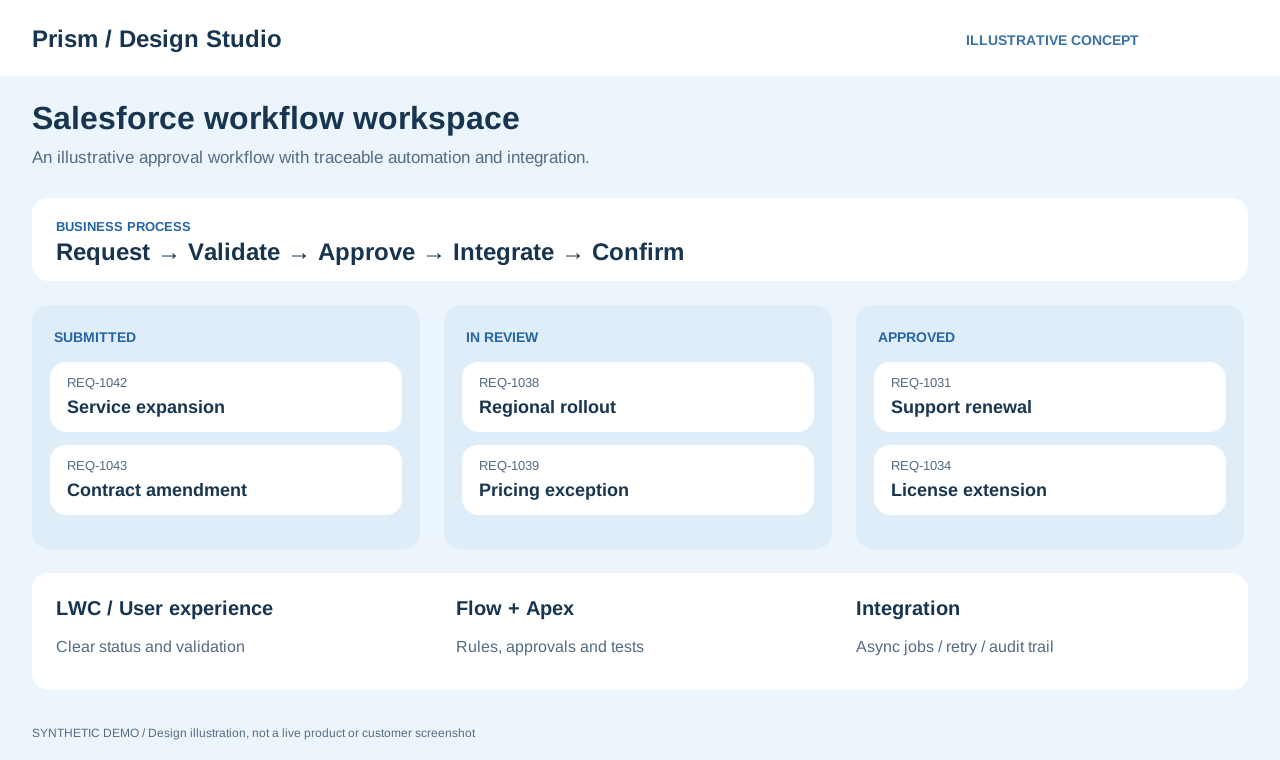
I approach Salesforce applications through the connections between interfaces, logic, data and permissions. With LWC, Apex, Flow, SOQL and external APIs, I focus on consistency with existing behavior and making the user's next action clear.

Read more ↓

Implement the feature and explain how the business works.

What runs after Save is clicked? Who acts when an integration fails? Design the business process before and after each operation, not just the connections between individual features.

01 / BUSINESS WORKFLOW

Map the journey from input to approval

Consider information moving from entry through validation, updates, approval and notifications. Correct individual steps can still produce unexpected results through execution order or overlapping automation.

  1. 01

    Inspect the existing workflow

    Review related Flows, Triggers, validation and permissions. Identify where the new change belongs in the existing sequence.

  2. 02

    Separate responsibilities and states

    Distinguish interface assistance from server-side business decisions. Design messages for processing, success and failure states.

  3. 03

    Validate with business operations

    Follow entry, update and approval steps, checking changed data and notifications. Also verify insufficient permissions and incomplete input.

Example deliverables

A reviewable workflow, scope of changes, interface states and verification results.

02 / EXTERNAL INTEGRATION

API integration goes beyond sending successfully

An external system accepting a request does not mean the business process is complete. Distinguish acceptance from completion and communication failures from business errors, with a way to track outcomes.

  1. 01

    Define the contract and fields

    Align types, required fields, identifiers, dates and null handling so request and response fields mean the same thing on both sides.

  2. 02

    Track processing status

    Plan records of submission times, targets, responses and processing states so failures and next actions can be traced.

  3. 03

    Define retry conditions

    Consider duplicate submissions and interrupted processing. Specify when rerunning is safe and what needs checking first.

Example deliverables

Field mappings, state definitions, error categories, and retry and validation procedures.

Separate interface and processing responsibilities

Map the full path from user input to results, clarifying the responsibilities of the interface, server processing and automation.

LWC

Define input, loading, completion and failure states so the interface makes the next available action clear.

Apex / Flow

Consider complexity, maintainability and execution order, and review interactions with existing automation.

Permissions and data

Check object, field and record access separately. Distinguish being able to see an interface from being allowed to update its data.

Design integrations for failure as well as success

For external communication, plan how to identify failures and retry safely as well as how to send successfully.

Field mappings

Define types, required values, nulls and time handling, confirming that fields have consistent meanings across systems.

Asynchronous processing

Consider processing volume and response times while designing traceable task states and results.

Duplicates and retries

Consider external keys or processing history and define what should happen when a request is submitted again.

Test the business expectations

Check data results, permissions and exceptional behavior, not just whether execution has finished.

Success and exception paths

Define expected results for missing input, absent targets and external service errors.

Bulk records

Check results and platform limits for bulk processing as well as individual records.

Verify through the interface

Combine automated tests with checks of actual interaction sequences, messages and the display after saving.

Deliver the implementation and the reasoning behind it.

01

Business and design

Interface fields, workflows, permissions and effects on existing features.

02

Implementation

LWC, Apex, Flow, integration fields and configuration.

03

Quality and handover

Checks for success, exceptions and bulk processing, plus operational instructions.